Bring the story
Start from a topic, an approved script or a recording you already have. Give the workflow a clear subject and direction.
Your story. You direct.
Bring a topic, script, or narration. Build a long-form story with relevant source media, a considered scene sequence, and a final cut you can review.
Production services are being prepared. Check availability.
One story. Every chapter.
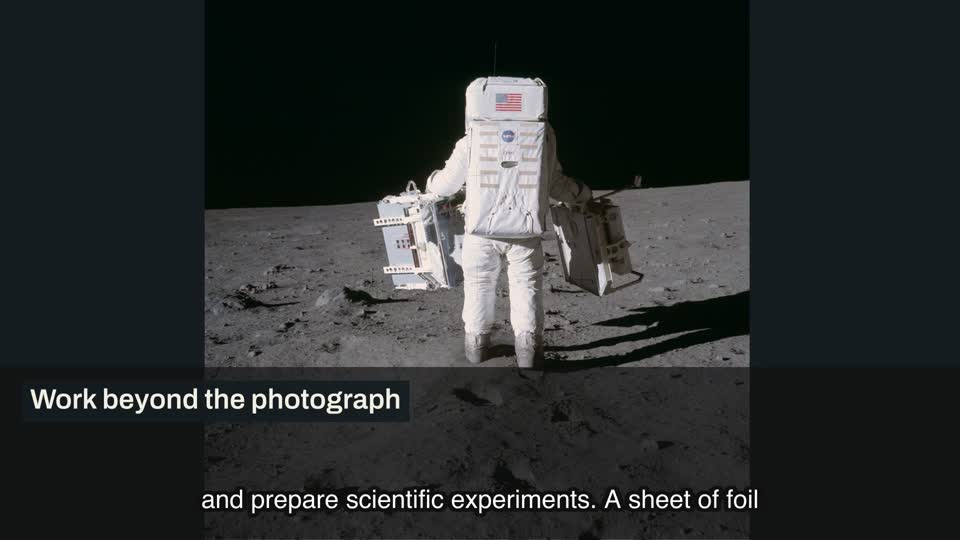
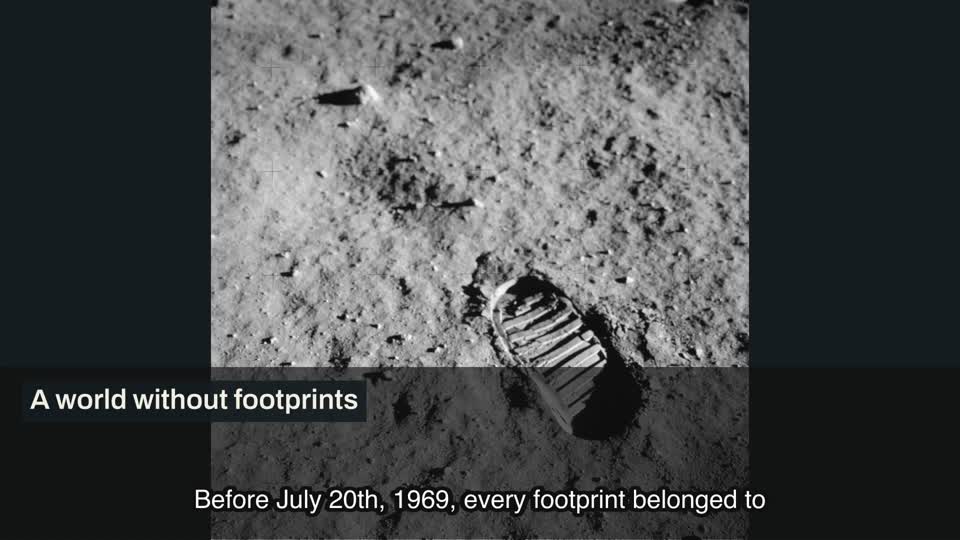
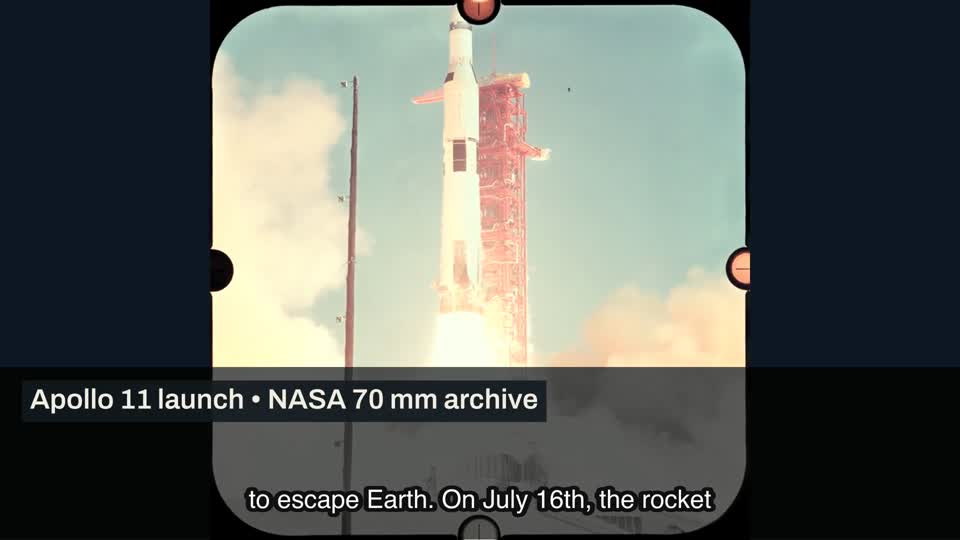
Five real chapter excerpts from Apollo Eleven: There and Back. Archival photographs, NASA footage, narration, original diagrams and captions, assembled into one five-minute development documentary.
A visual with a job to do.
A photograph establishes the subject. A diagram makes the idea clear. A theme sets the tone. Explore real material from the same production workflow, with each preview labeled for what it shows.
Five eight-second chapter clips and three original still diagrams from one five-minute documentary. Open a card to play the clip or inspect the diagram.
You stay the director
Your video needs more than a collection of clips. Keep the narration, source evidence and visual sequence connected, then decide what stays in the final edit.
How it works
Start from a topic, an approved script or a recording you already have. Give the workflow a clear subject and direction.
Prepare narration and organize the story into scenes. Review the production quote before authorizing a paid run.
Match source photographs and footage, then use explanatory diagrams when a picture alone cannot carry the idea.
Review scene text, timing and captions. Make browser edits, inspect the result, and export the sequence you choose.
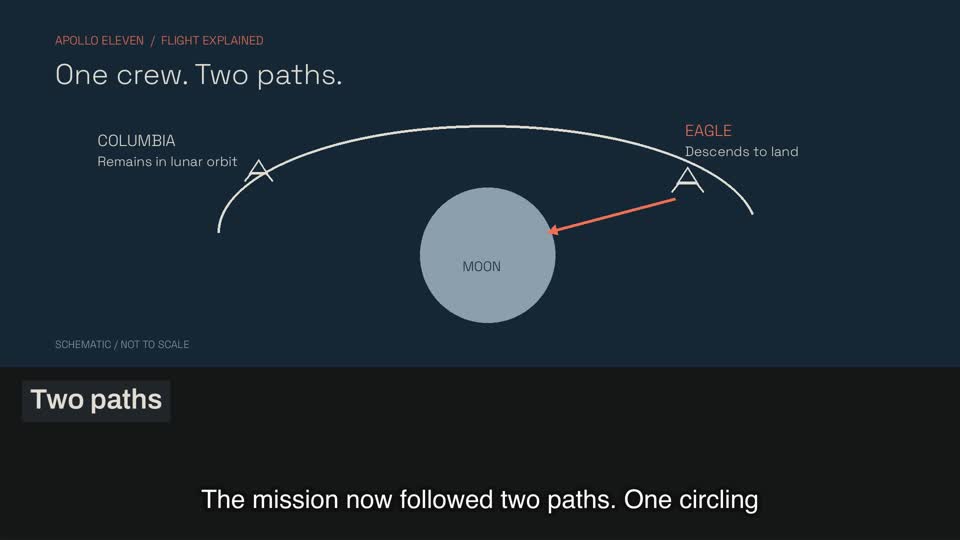
Explainer diagrams
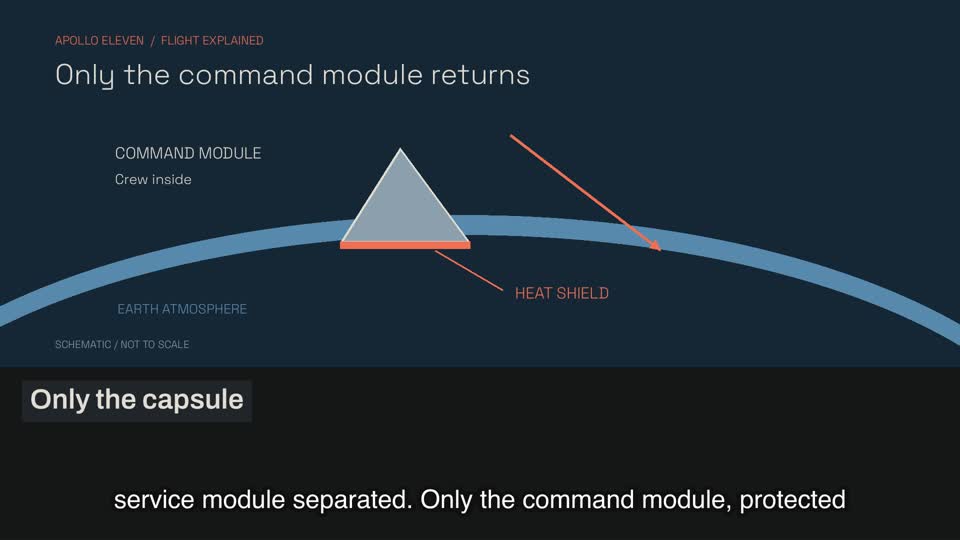
Explain the route, the mechanism or the comparison. This original Apollo diagram shows the idea, not just the atmosphere.
Visual styles
Compare actual theme-engine previews. Keep a coherent look across the story.
You choose the sequence
Review the scenes as a story. Keep the strong material, revisit the weak moments, and check the complete output before publishing.
Simple monthly plans
Monthly production credit. A separate quote before every paid run. You choose what to authorize.
Full pricing & refund rulesCheckout is not yet open.
Renews monthly until cancelled. No unlimited generation or fixed minute allowance.
View SparkRenews monthly until cancelled. No unlimited generation or fixed minute allowance.
View ChannelRenews monthly until cancelled. No unlimited generation or fixed minute allowance.
View StudioDevelop a researched long-form video, with room for evidence and a clear narrative.
Put the subject at the center. Let narration, source media and diagrams carry the story.
Bring the production steps into one workspace, while keeping editorial decisions in your hands.
Connect an unfamiliar idea to the photographs, examples and diagrams that make it understandable.
Explore our long form AI video generator, faceless YouTube video generator, and AI documentary generator.
Before you begin
Real examples, clear billing, and a workflow you can inspect.
VidRush AI Online brings topics, scripts and recorded narration into a long-form video workflow. The studio supports source-media matching, scene editing, captions and export. Production engines and supported durations depend on the services configured for your account. Paid production is still being prepared.
Yes. The five eight-second chapter clips come from Apollo Eleven: There and Back, a five-minute development documentary rendered with our production pipeline. They are excerpts from one film, not five independent projects. The scene library also contains original still diagrams and two-second theme-engine previews, labeled separately.
The Apollo development sample uses NASA source photographs and footage, matched through OpenMontage and reviewed during production, alongside original explanatory diagrams. Source discovery does not grant a license: review usage terms, attribution and factual relevance for every material before publishing your own video.
Spark is $79 per month, Channel is $199 per month and Studio is $499 per month. Each monthly payment adds the same amount of production credit. Subscriptions renew until cancelled, and each paid run needs its own quote and authorization. Plans do not promise unlimited generation or a fixed number of minutes. Checkout is not yet open.
The studio provides browser edits for scene text, visuals, themes and captions, with a timeline for reviewing the sequence. Available production services determine which paid revisions can run. Keep your source rights and approved narration in view, review the finished output, and use local export for your browser edit.
A confirmed undelivered failure releases its reserved production credit. An uncertain delivery remains pending until reconciled, so a timeout does not automatically mean a failed charge. Cash refunds follow the separate refund policy in our Terms of Use. Contact support@vidrush.dev with the project or payment reference if you need help.
Explore the studio. Review availability before starting production.